01 / CHAT
Type or talk.
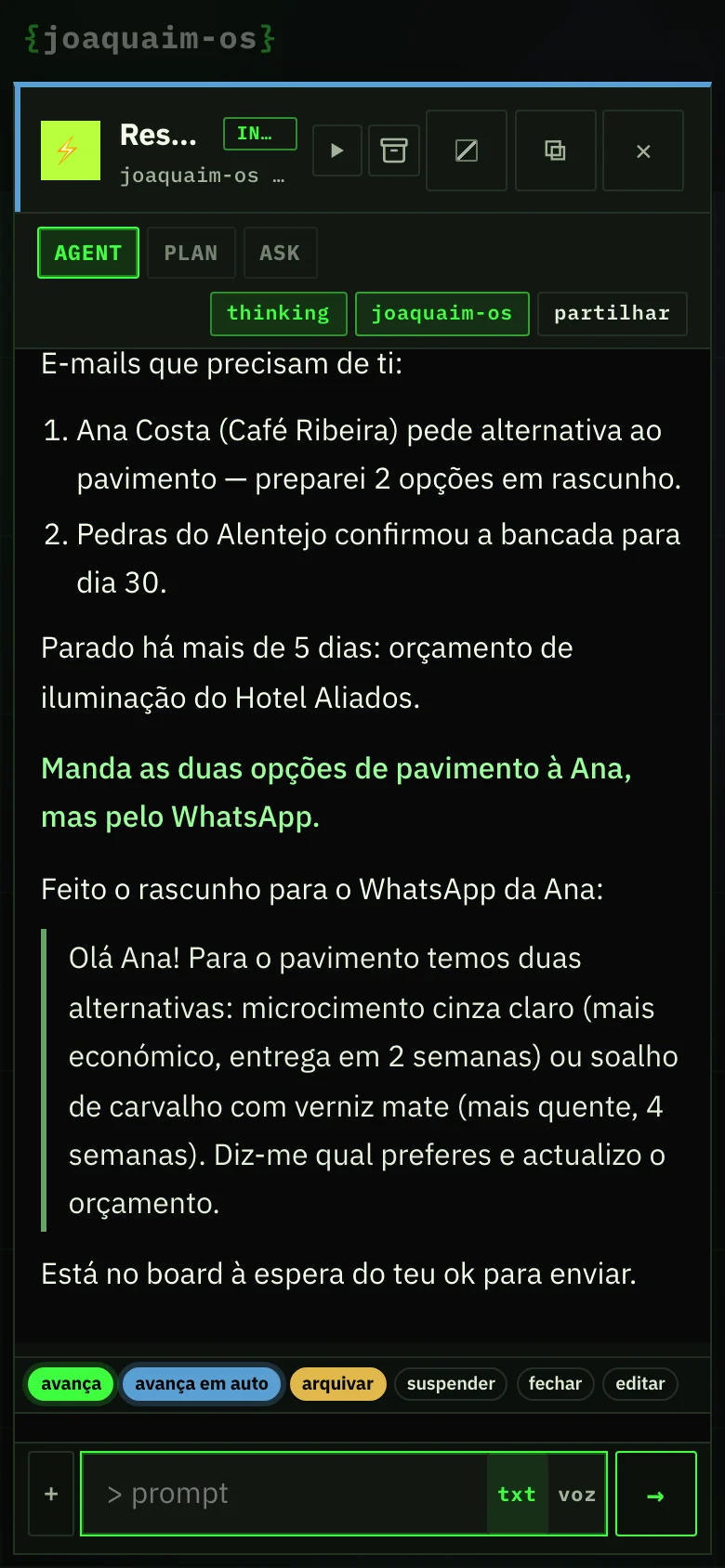
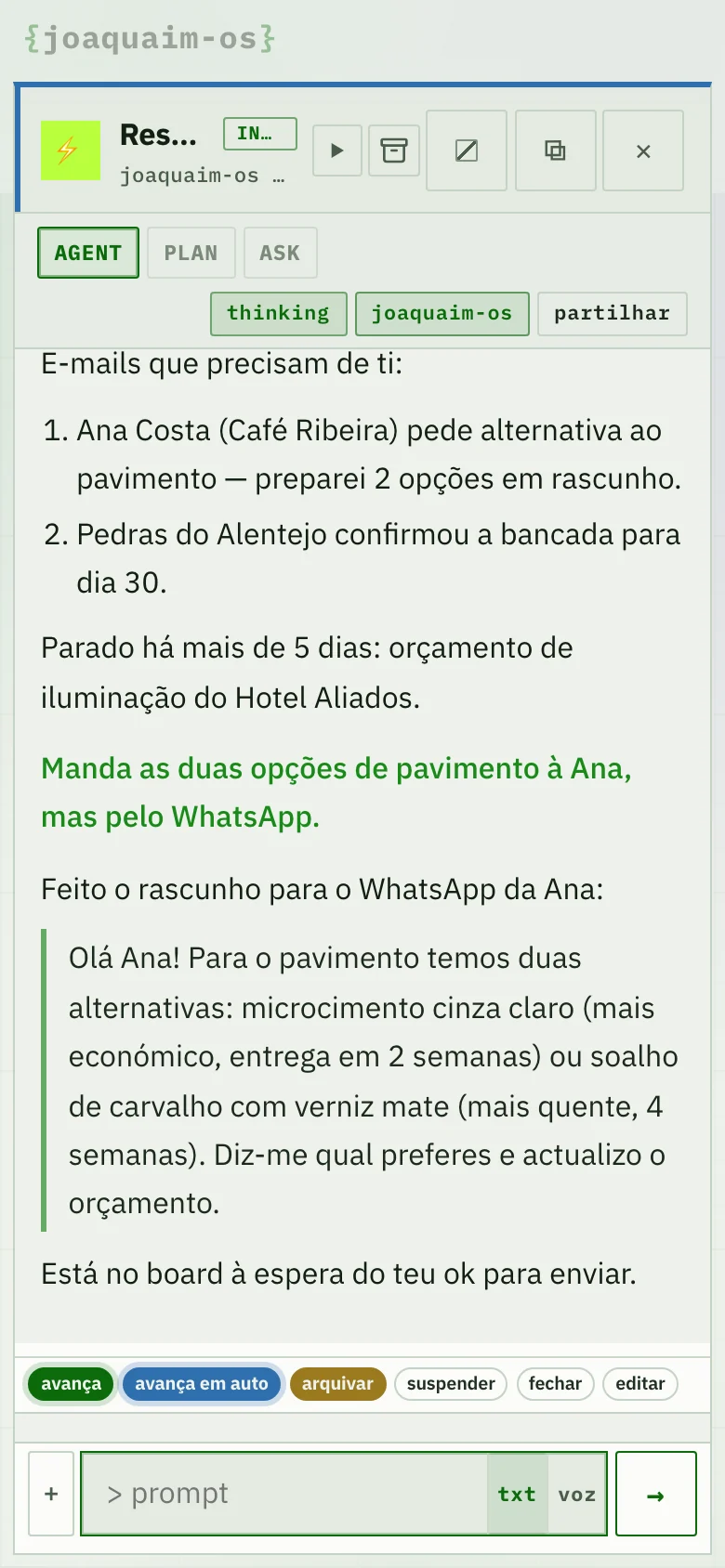
Write, or tap the microphone. The agent replies, opens files, searches, writes email and does the work — and shows you what it is doing.
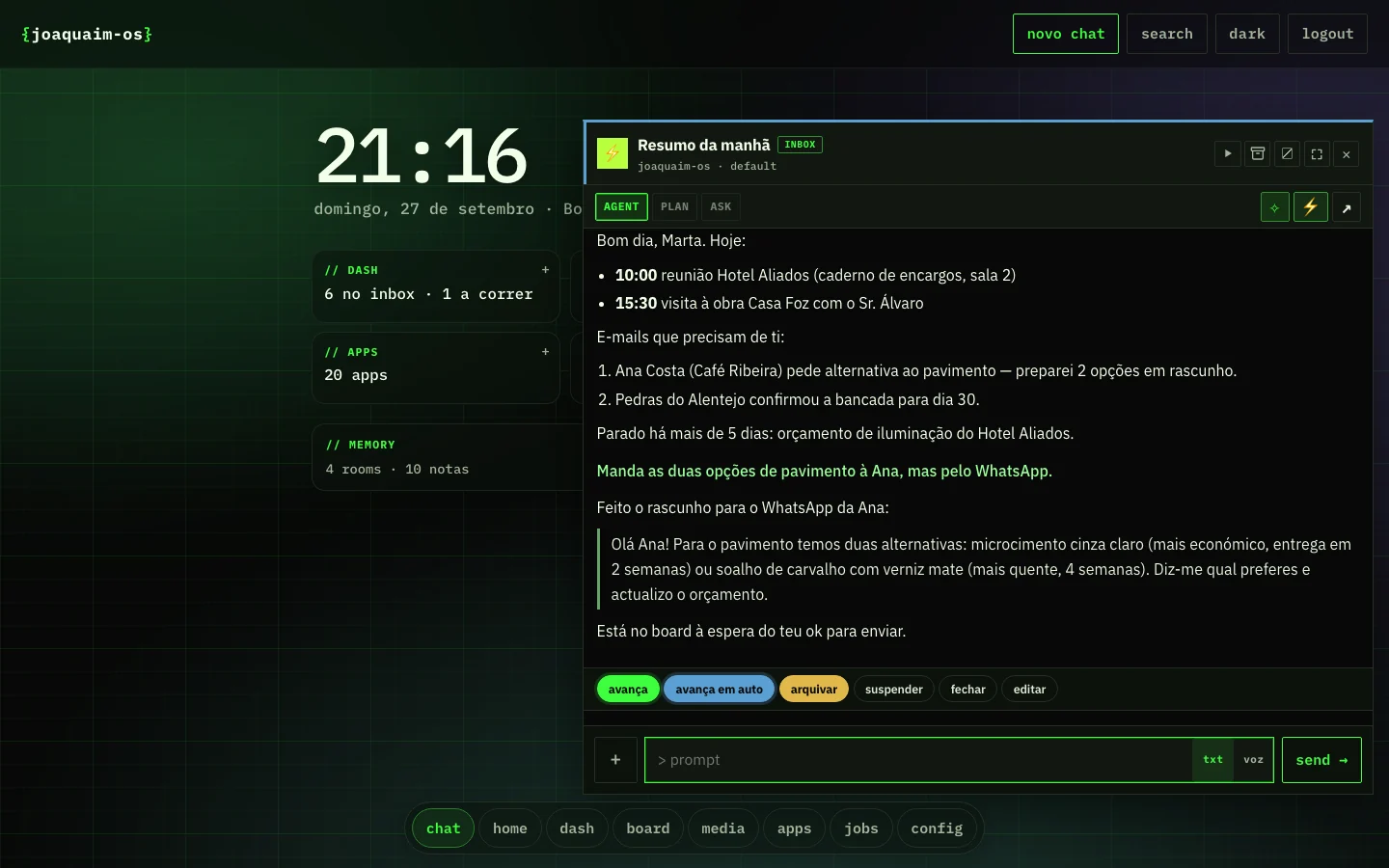
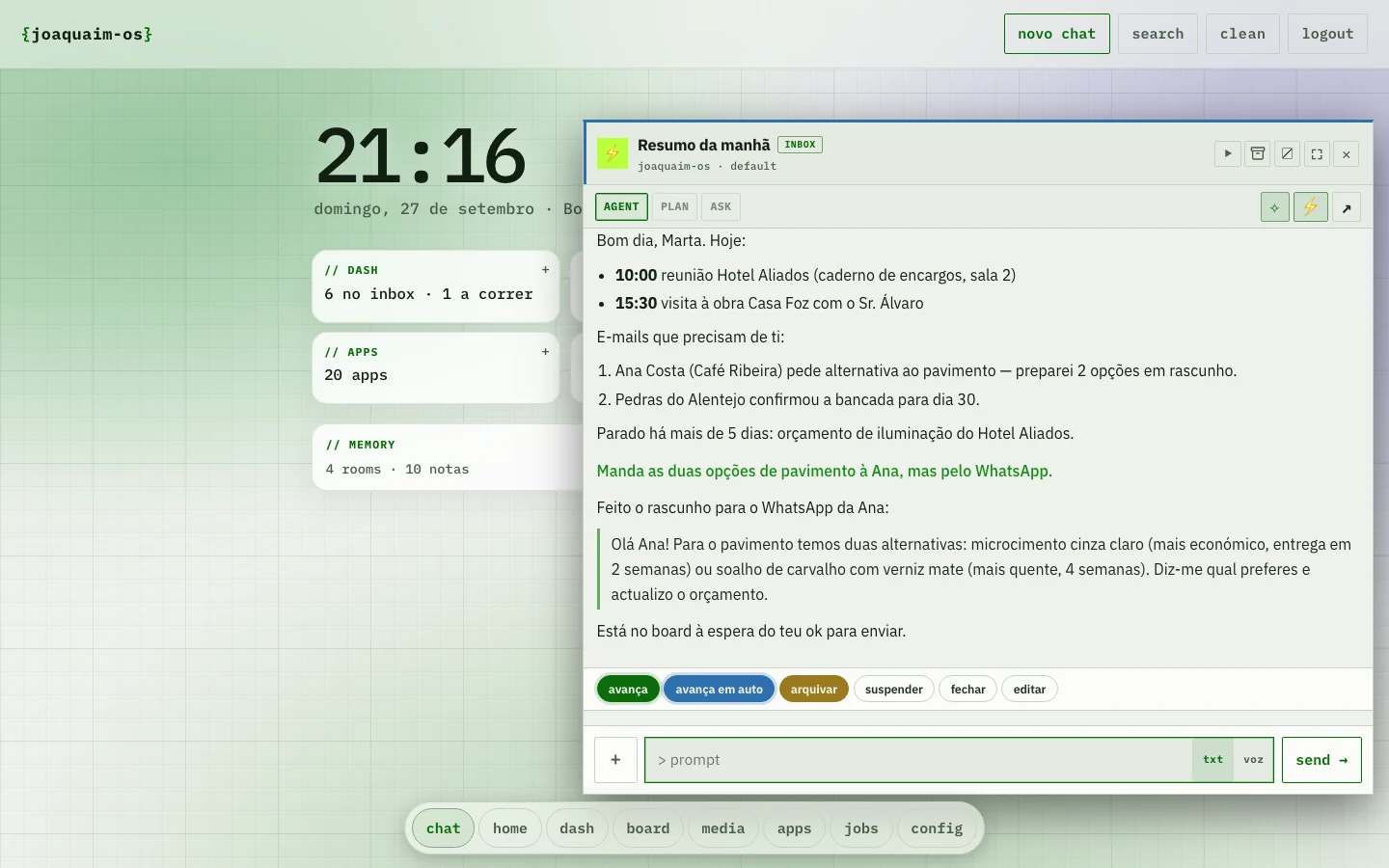
You talk, it does the work. Conversations, memory, board, automations and connectors in one place — JoaquAIm remembers what matters and keeps working while you are away.
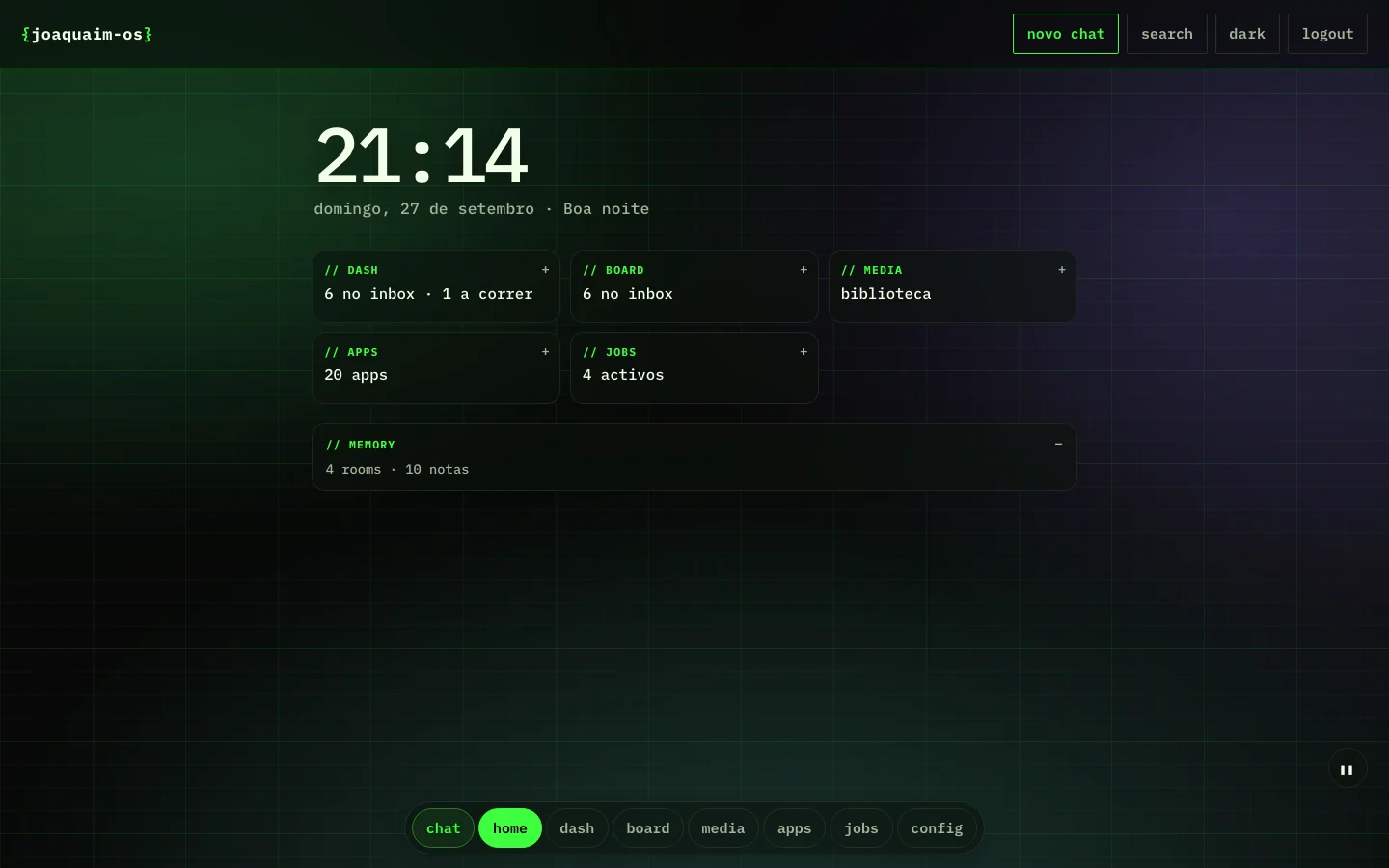
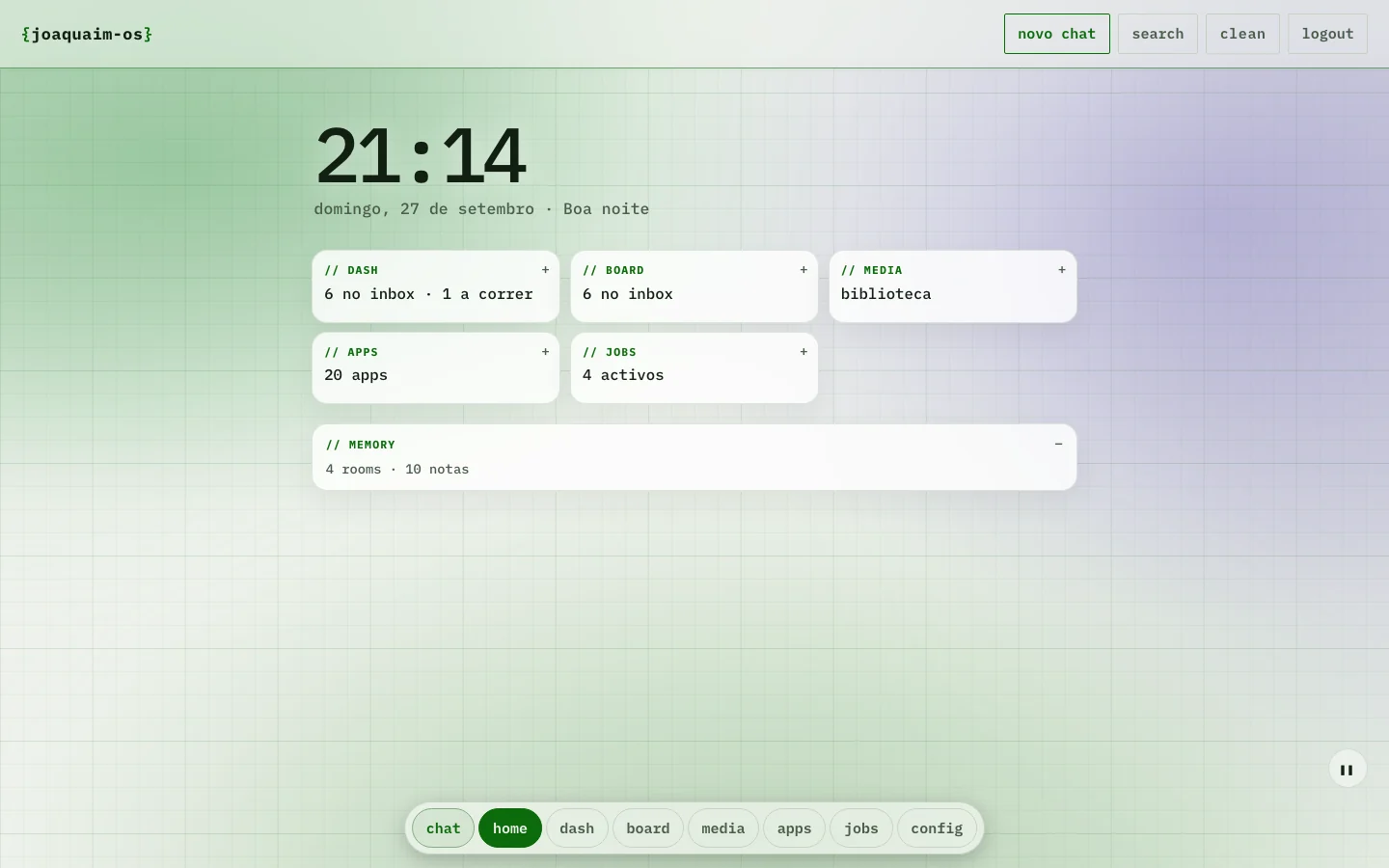
joaquaim-os is a desktop: each part of the work has its place, and the agent can see and use all of them.
Write, or tap the microphone. The agent replies, opens files, searches, writes email and does the work — and shows you what it is doing.
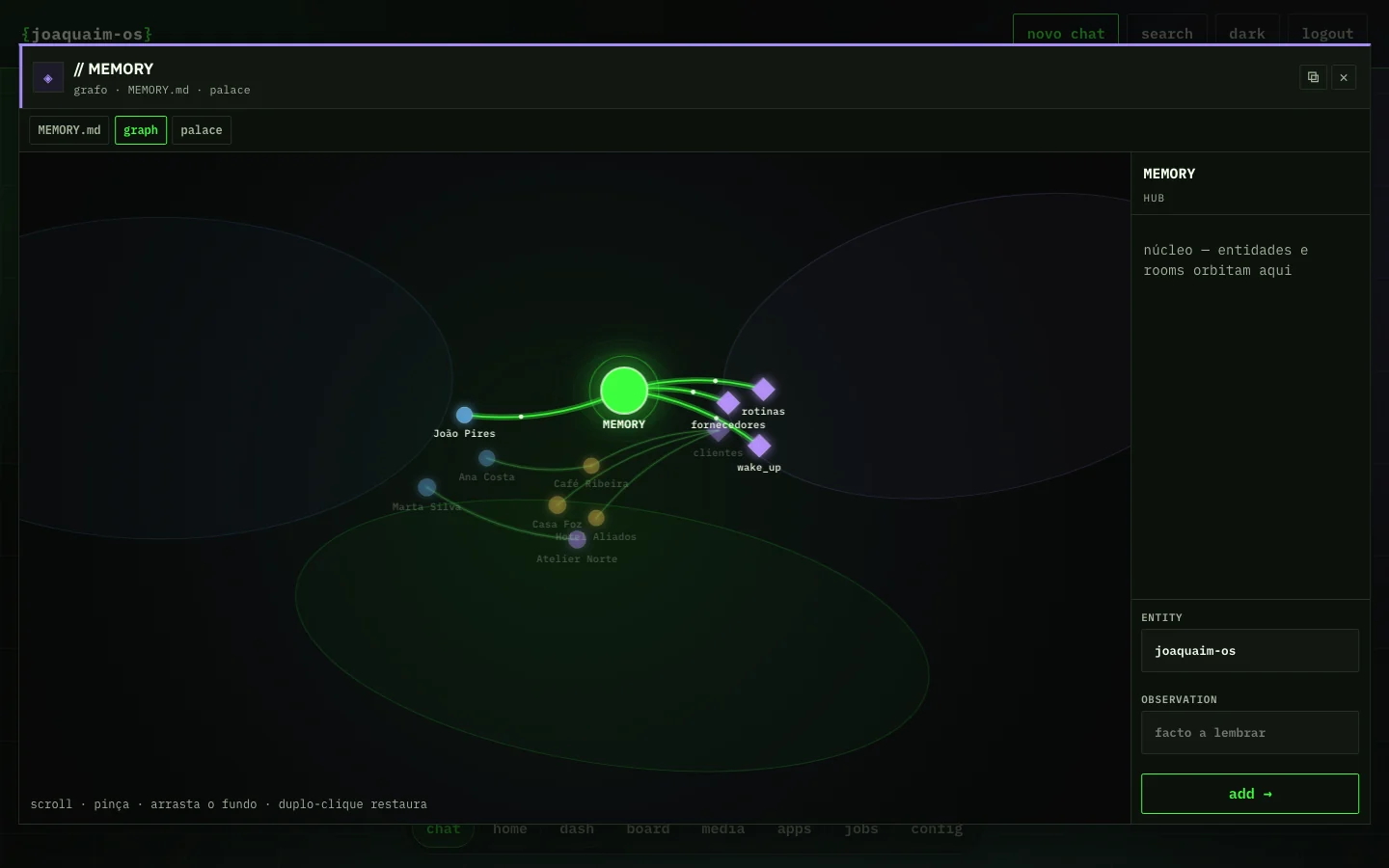
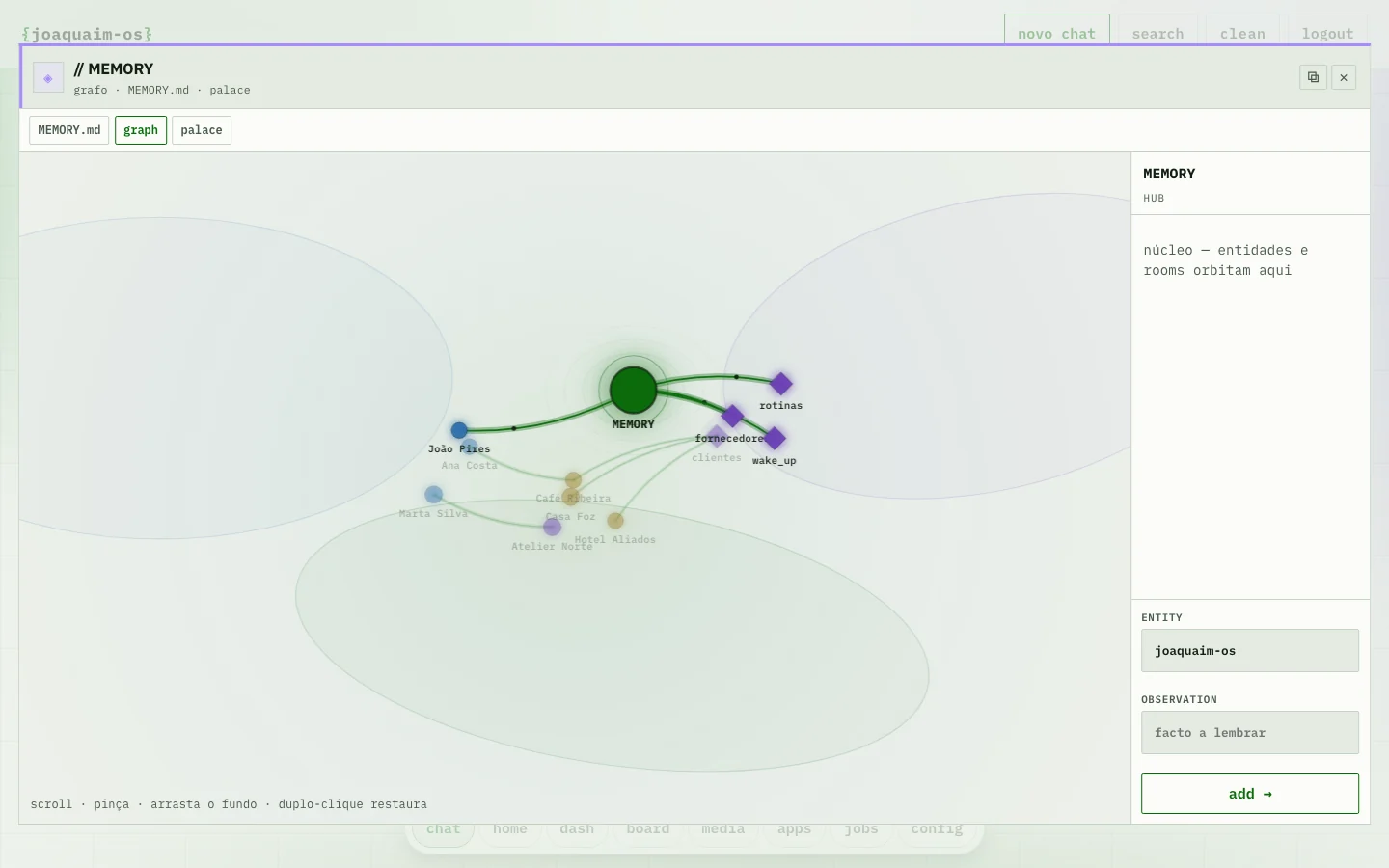
People, projects, preferences and decisions stay in a memory graph. You do not have to repeat the context.
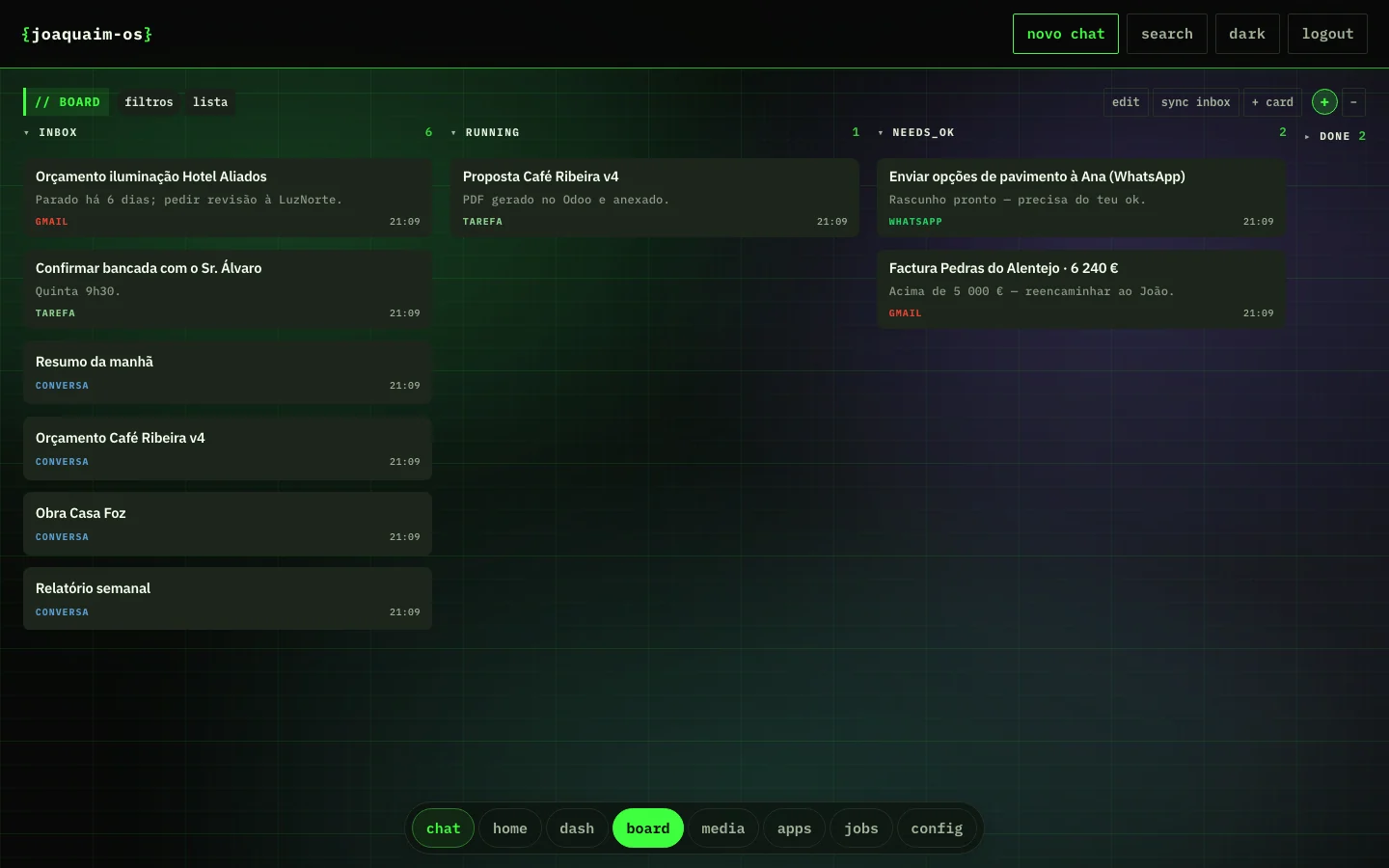
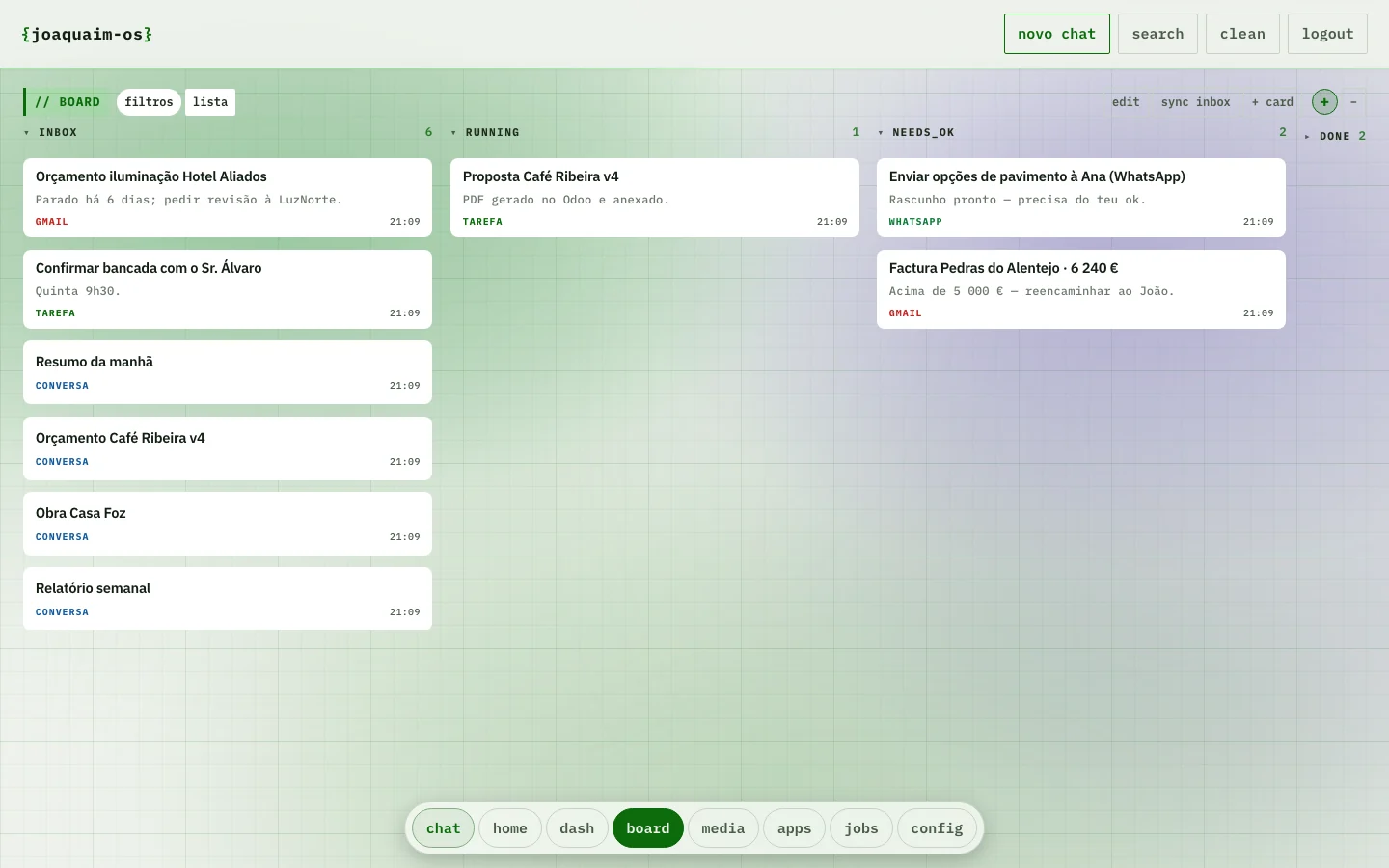
Email, WhatsApp and tickets land on the board. The agent handles them, asks for your ok when it needs to, and closes them.
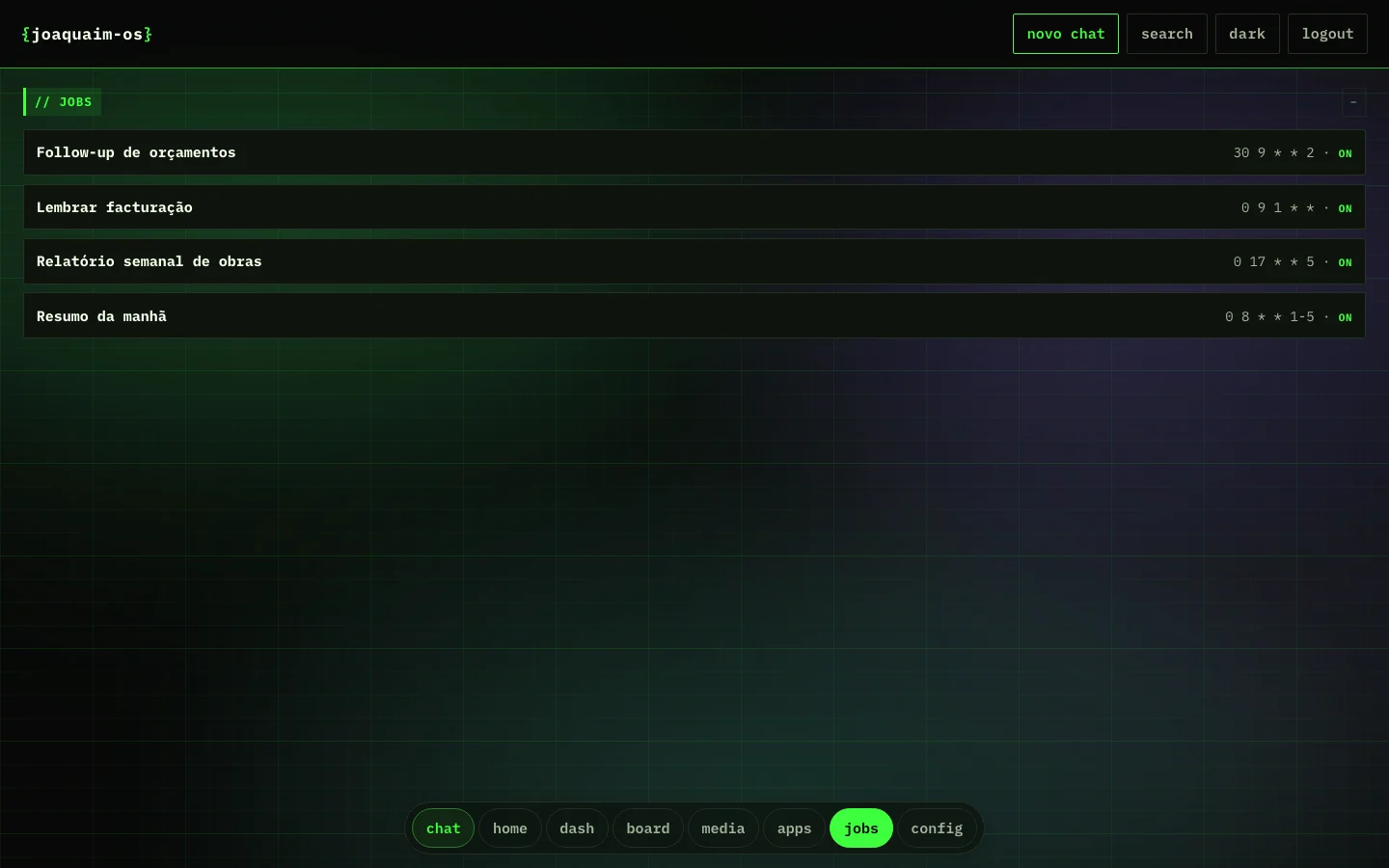
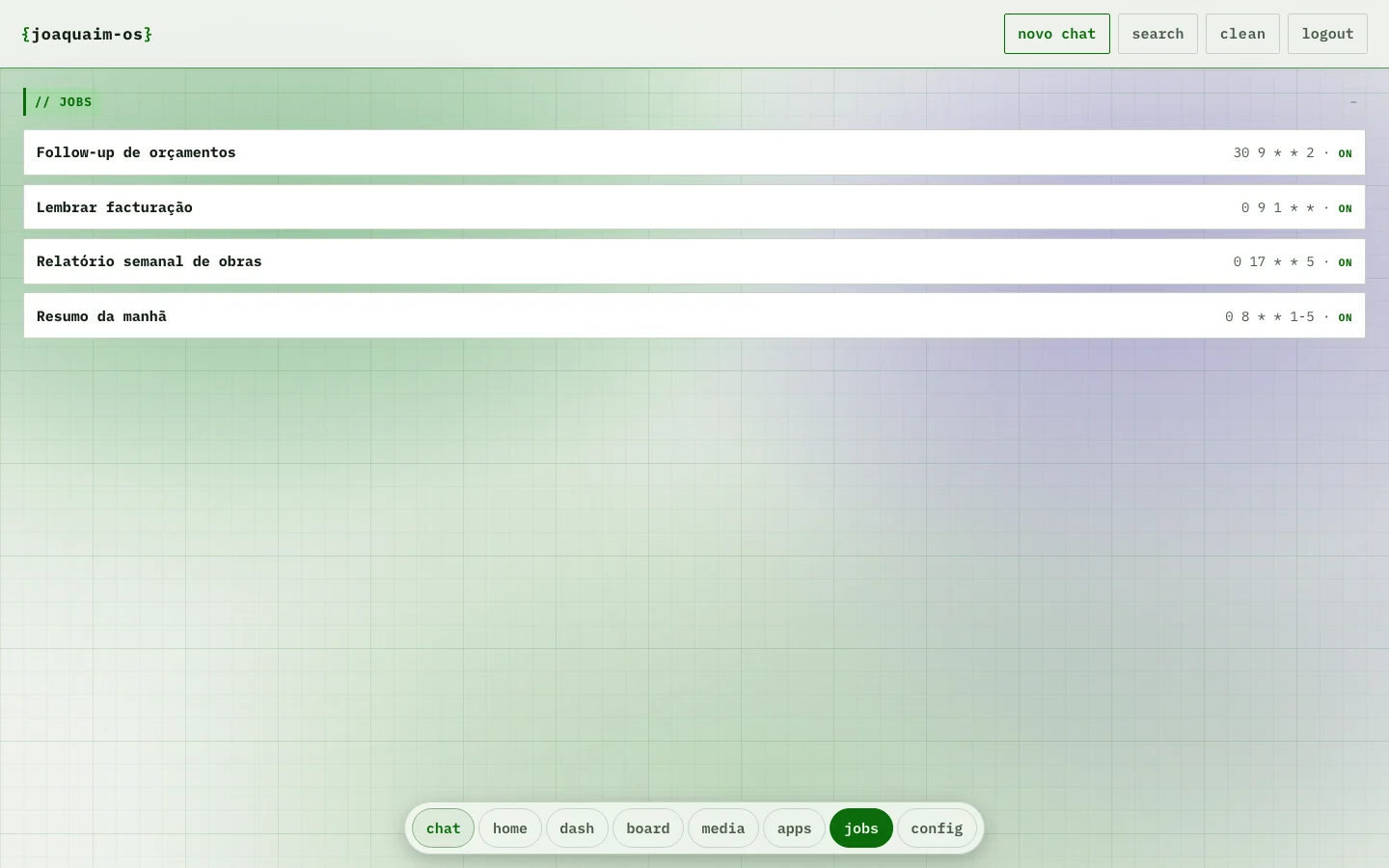
Morning brief, follow-ups, weekly reports: scheduled jobs that run without you.
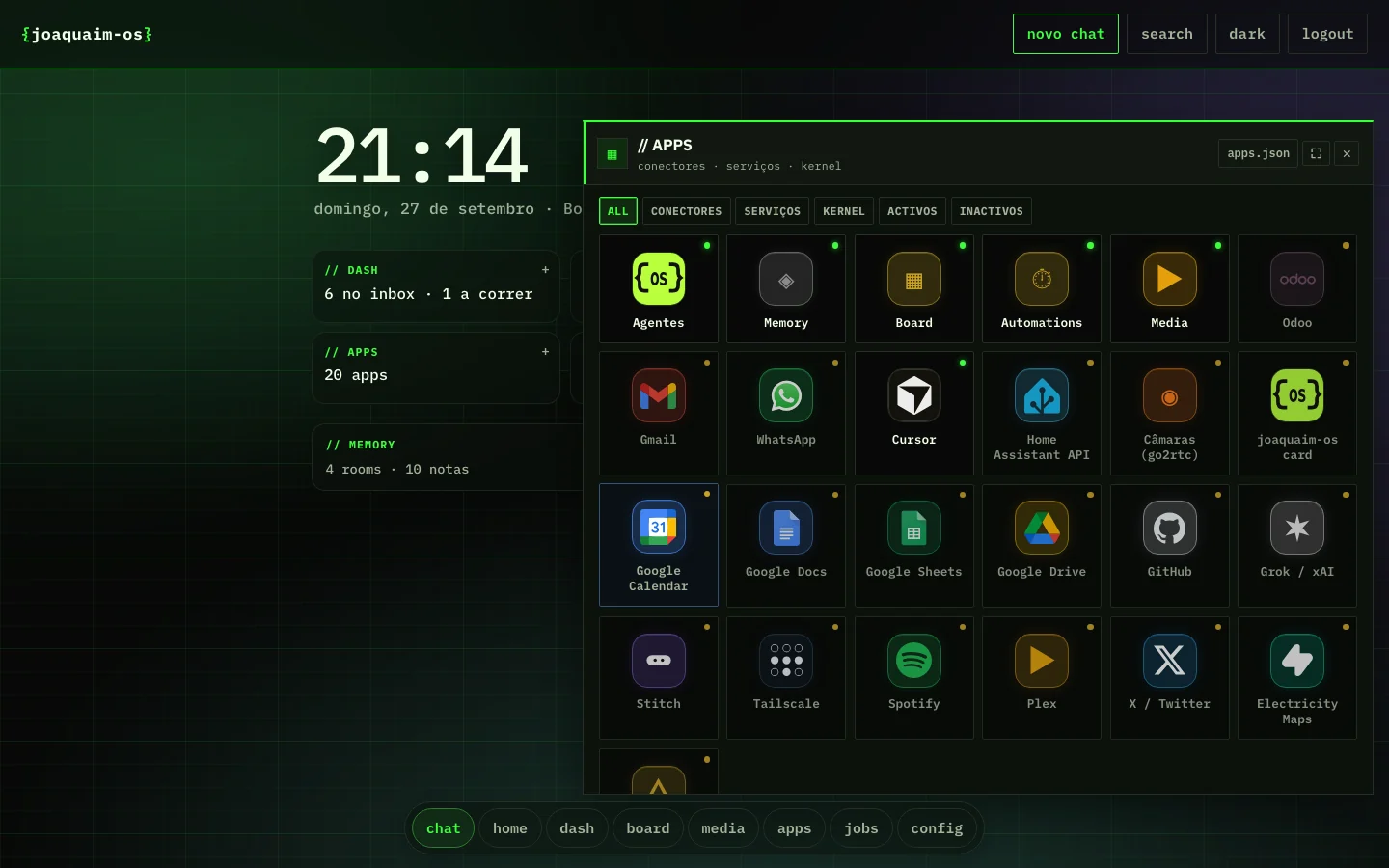
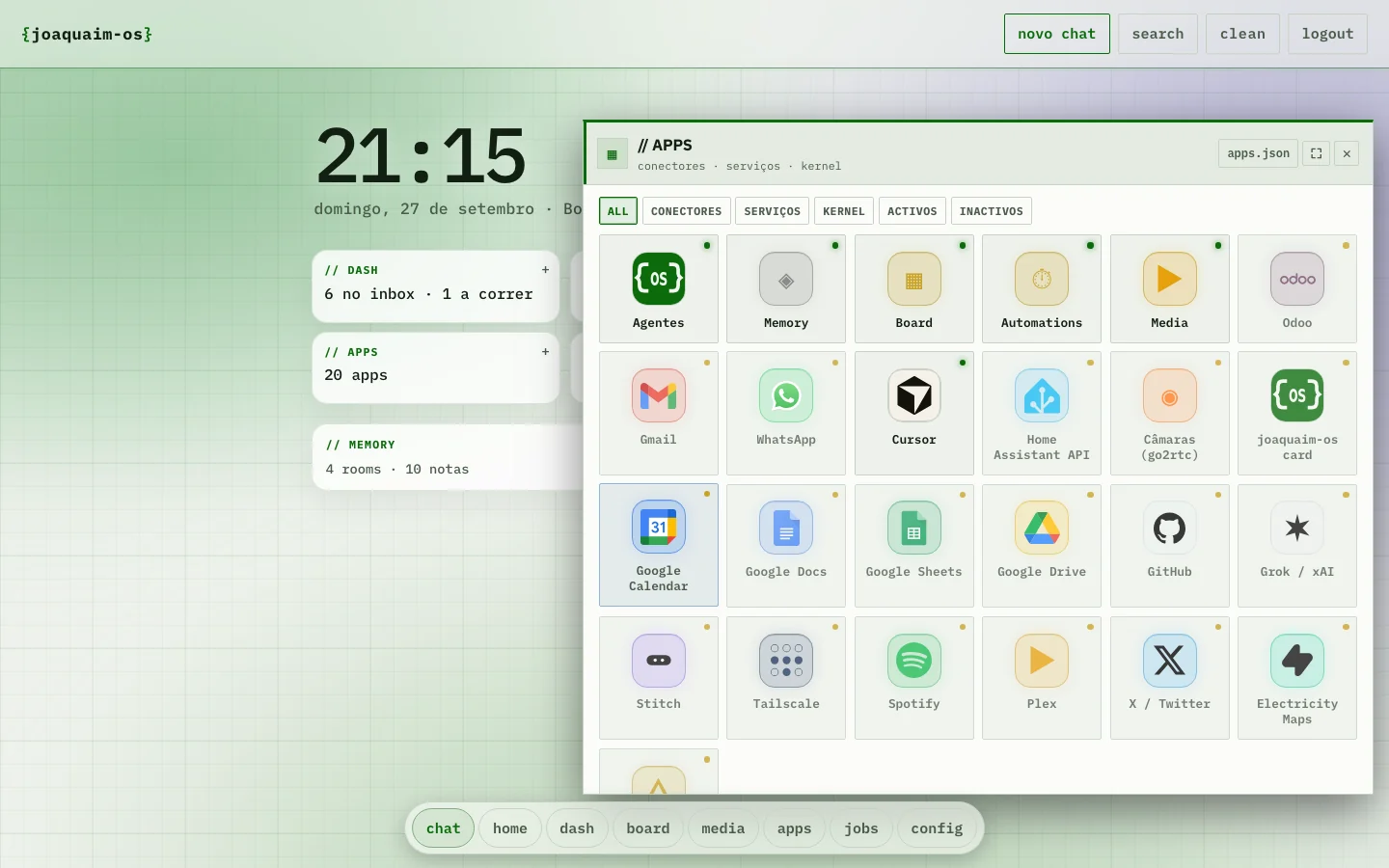
Each service connects with a key or a permissions window. Only what you connected shows up on the desktop.
By text, voice, email or WhatsApp. "Reply to Ana's client and book a meeting for Thursday."
It uses the connectors you linked — Odoo, Gmail, Calendar — and asks for your ok before sending anything sensitive.
The result stays on the board and what it learned stays in memory. Next time, it already knows.
 Odoo
Odoo Gmail
Gmail WhatsApp
 Calendar
 Drive
Drive Sheets
 GitHub
 Spotify
 Plex
Plex Home Assistant
Start in the cloud and move home when you want. Memory and conversations come with you.
We host it. Just the app and your data, in a container of your own. Ready in minutes, no hardware.
A mini PC on your network. The data stays at home and the agent talks to what is on the LAN.
A NUC with a GPU and the house wired in: lights, blinds, cameras, media and the joaquaim-os card.
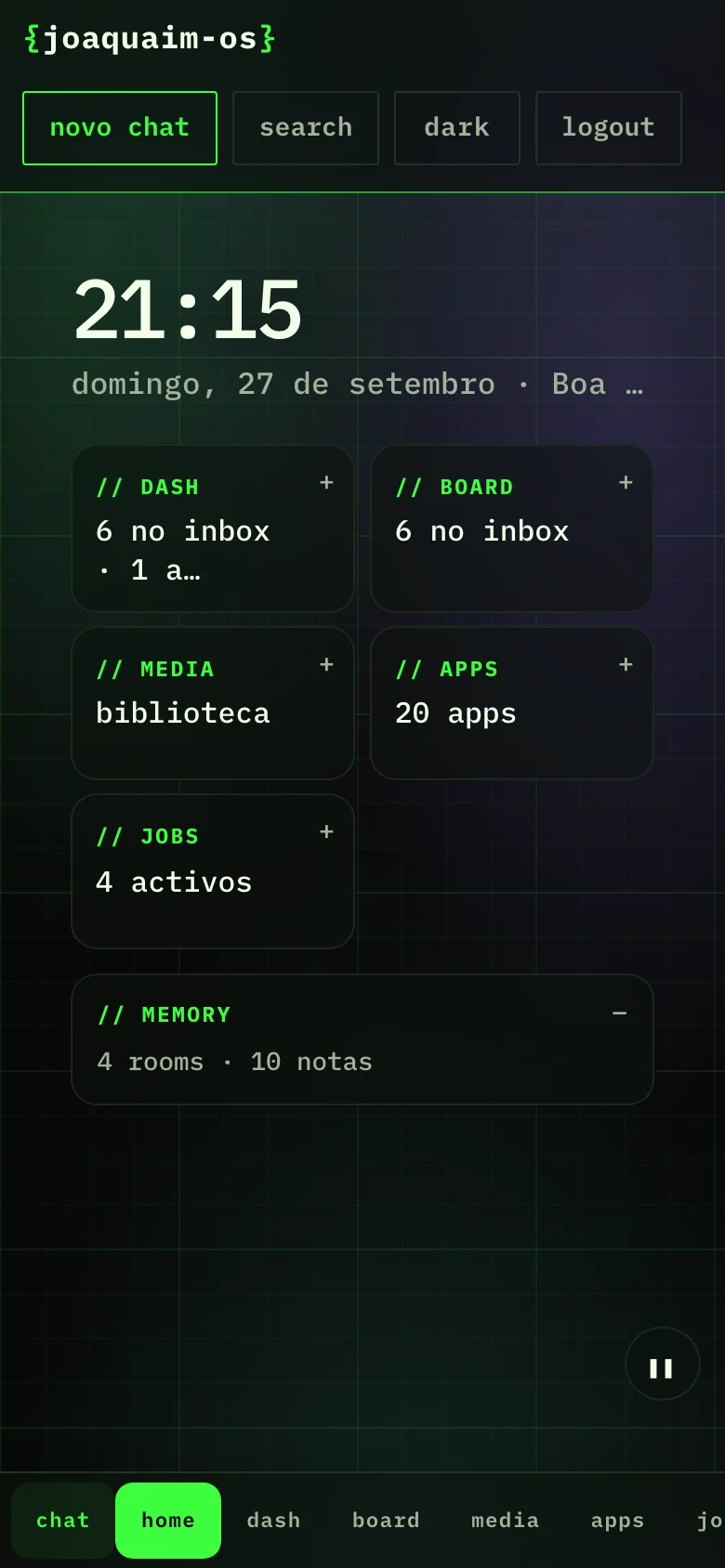
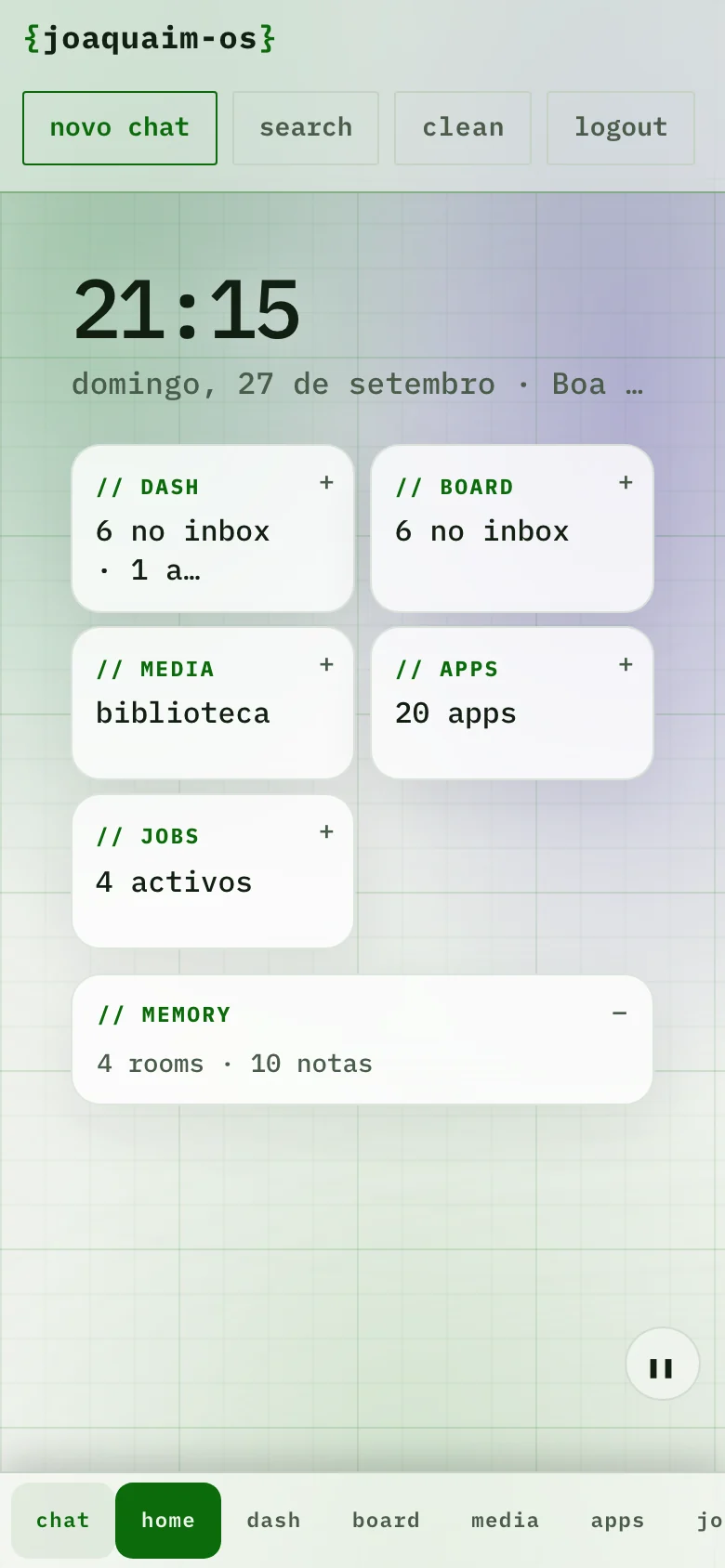
A native app for iPhone and Mac, with Face ID, widgets, Siri shortcuts and notifications. Photos from the phone sync to your library.
On the desk, the joaquaim-os card shows what is waiting and lets you approve it with a button.
Tell us how you work and where you want it to run. We reply with a proposal.
identify yourself — the desktop boots
Scan the QR with Google Authenticator and enter the 6-digit code.
Or enter this key in the app:
or with email
Enter your account email. If it exists, we'll send a link to set a new password.
Choose a new password with at least 8 characters.
We sent a 6-digit code to your email. Enter it to activate your account.
By continuing, you accept the Terms.